Everything you own on Kaspa, in one place.
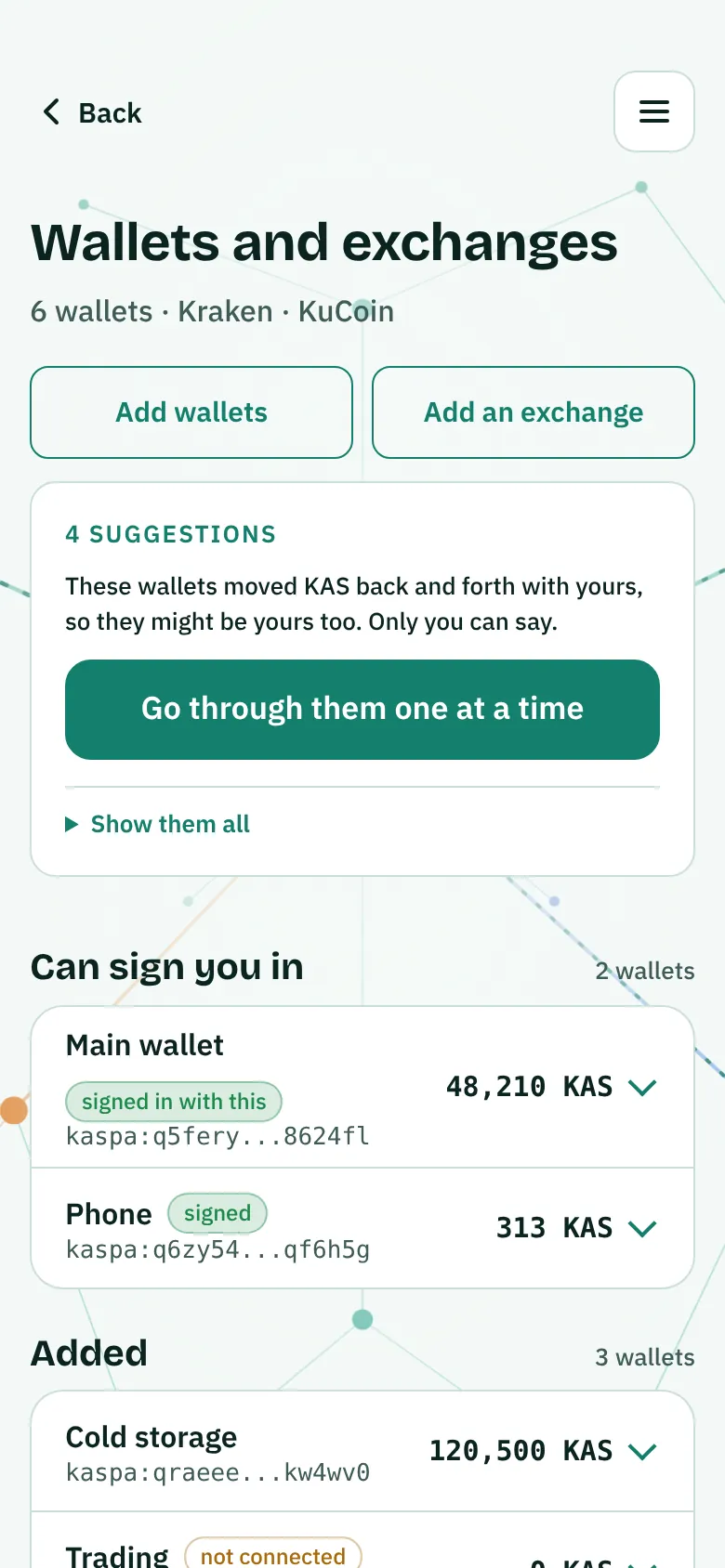
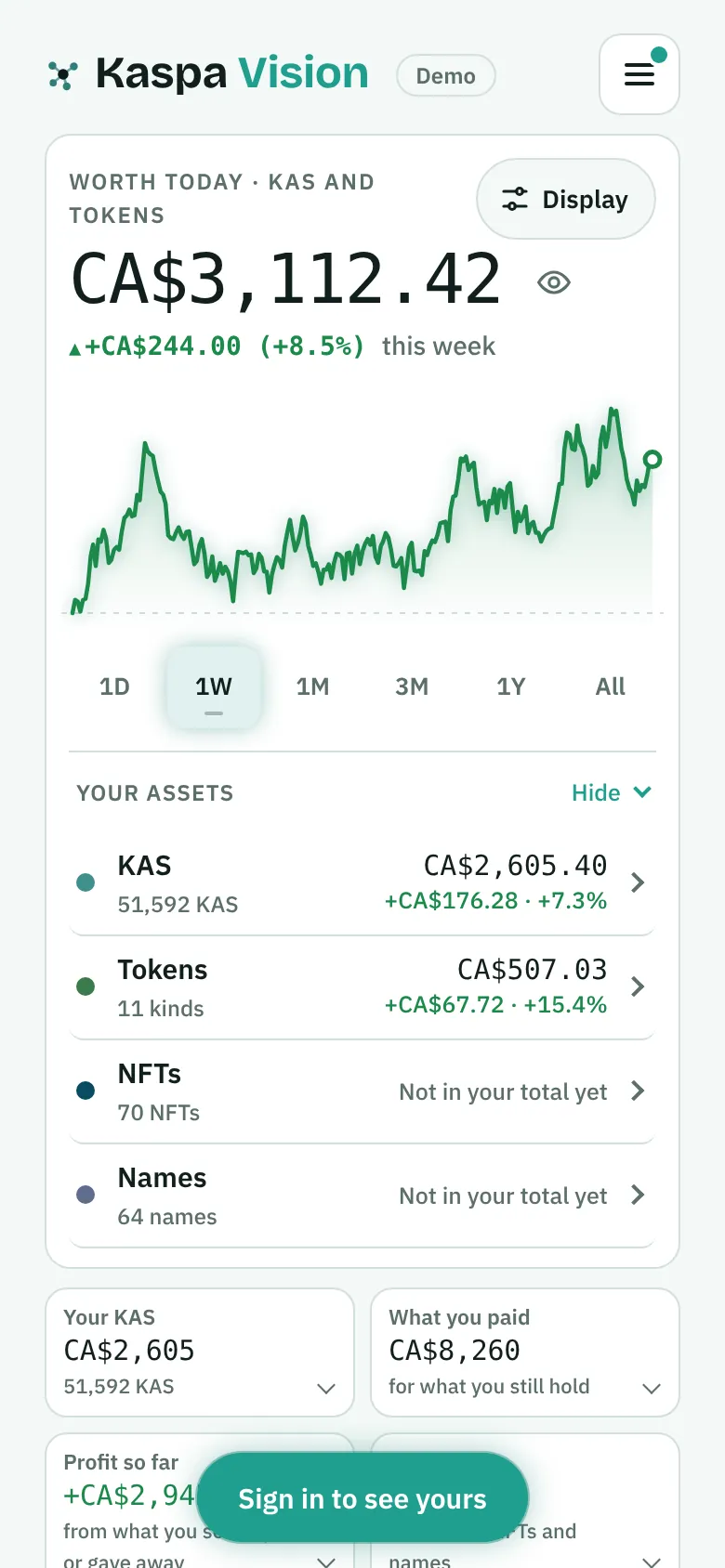
Add your wallet addresses and see all your KAS, tokens, NFTs and names on one screen: what you hold, what you paid and what it is worth today.
 Built on Kaspa
Free with 2 wallets. Plans from CA$10 a month, paid in KAS. See plans
Live demo
Try it. Nothing to install.
This is the real dashboard with a made-up account. Tap anything. You can't break it.
Loading the demo...Open it full screen
Step 1 of 6
Tap a wallet
Already have a wallet?
Good. Kaspa Vision isn't one.It shows how you're doing.
Your wallet holds your coins and shows what's in it. Kaspa Vision adds up every wallet you use and shows what you made.
Your wallet
- One wallet at a time
- What it holds today
- The NFTs in that wallet
- Sends and receives your coins
Kaspa Vision
- Every wallet and exchange you use, together
- What you paid, and what it's worth now
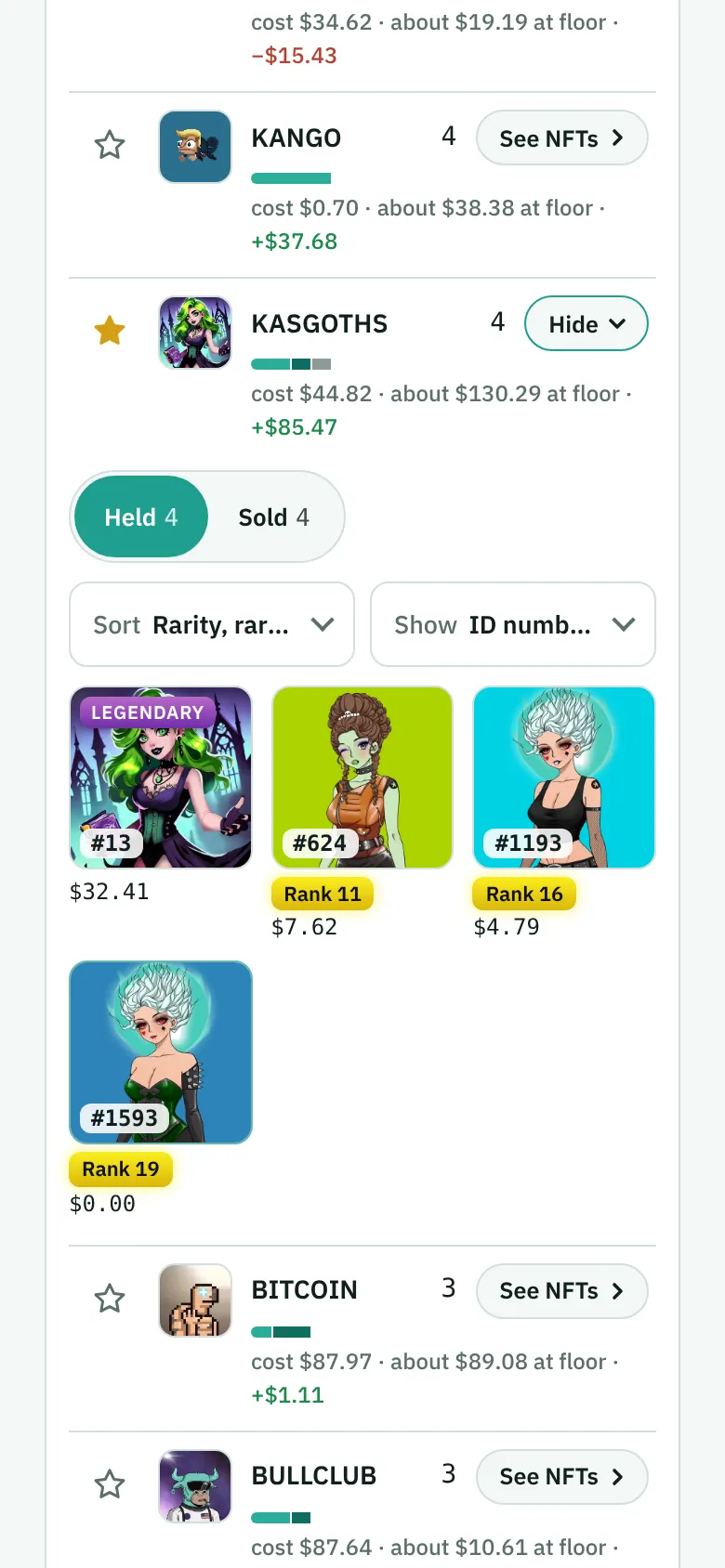
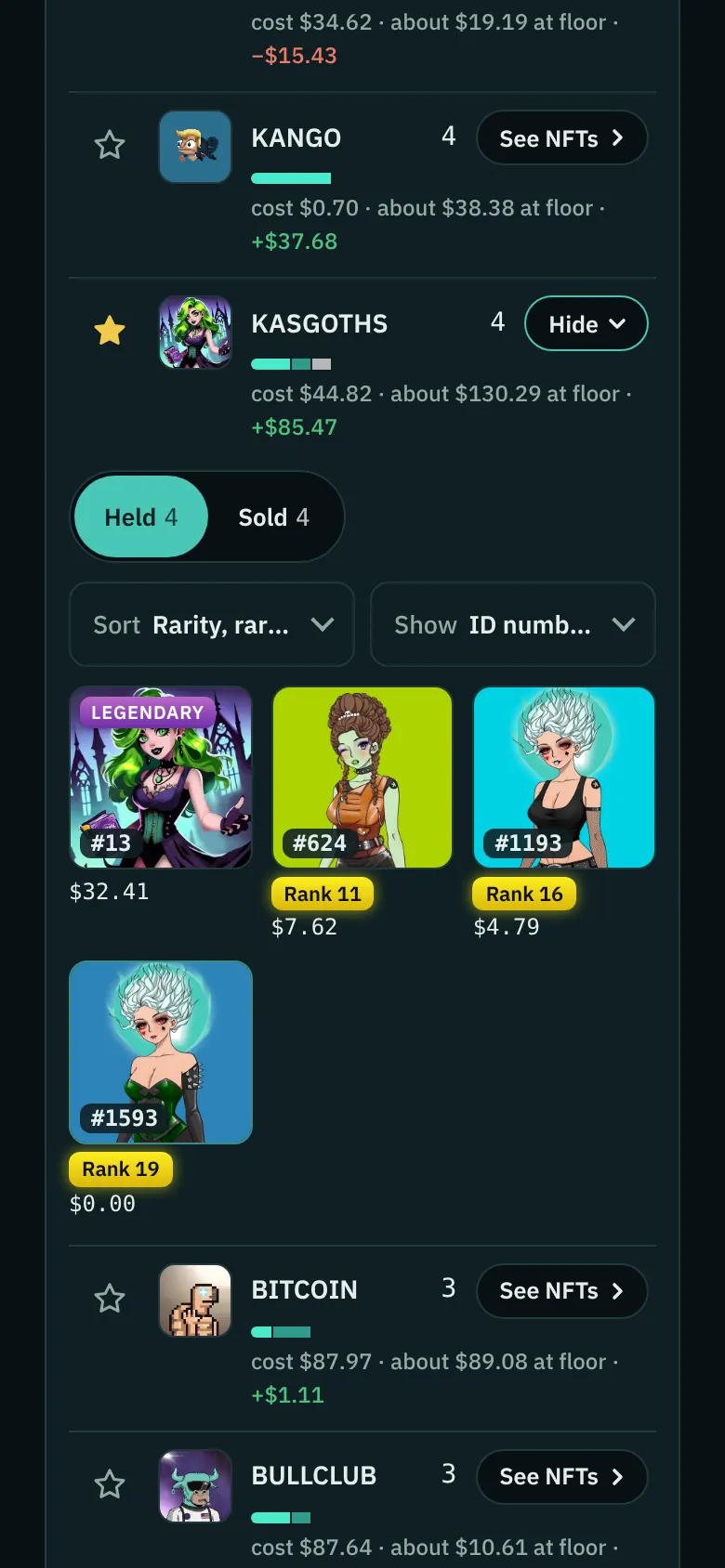
- Every NFT on one wall, with what you paid for it
- Knows a move between your own wallets isn't a sale
- Check a cold wallet without plugging it in
- It can't send anything: it only looks
12 wallets
Spread over 3 apps and 2 exchanges
Phone wallets, a hardware wallet, a few exchanges. It is hard to add up by hand. Kaspa Vision adds it up for you.
+500 KAS
−CA$12
More KAS. Less money.
You bought an NFT for 1,000 KAS and sold it for 1,500. But KAS was worth less on the day you sold, so in dollars you lost CA$12. Kaspa Vision shows you both numbers.
What it shows
Everything on Kaspa, with what you paid for each.
Your KAS, tokens, NFTs and names, from every wallet and exchange you use, added up together.
KAS
Every wallet's balance and every move between them.
Tokens
Every token you bought, sold or minted, with what it cost you.
NFTs
Every NFT you minted, bought, sold or were given.
.kas and .k names
Every .kas and .k name you own, and how you got it.
Exchanges
Kraken, KuCoin, MEXC, Bybit, Gate, or the history file from any other exchange.
For collectors
Your NFTs, on one wall.
See every NFT you own in one place, biggest for the rarest. Sort them, pick your favourites, and share a link with friends.
How it works
Three steps.A few minutes.
It can look. It can't touch.
Kaspa Vision only reads what is already public for the addresses you add.
Made for your phone.
The same dashboard, sized for your phone. Add it to your home screen and it opens like any app. No app store, nothing to download.
On Android you sign in with the Kaspire app. On iPhone you sign in once on a computer.
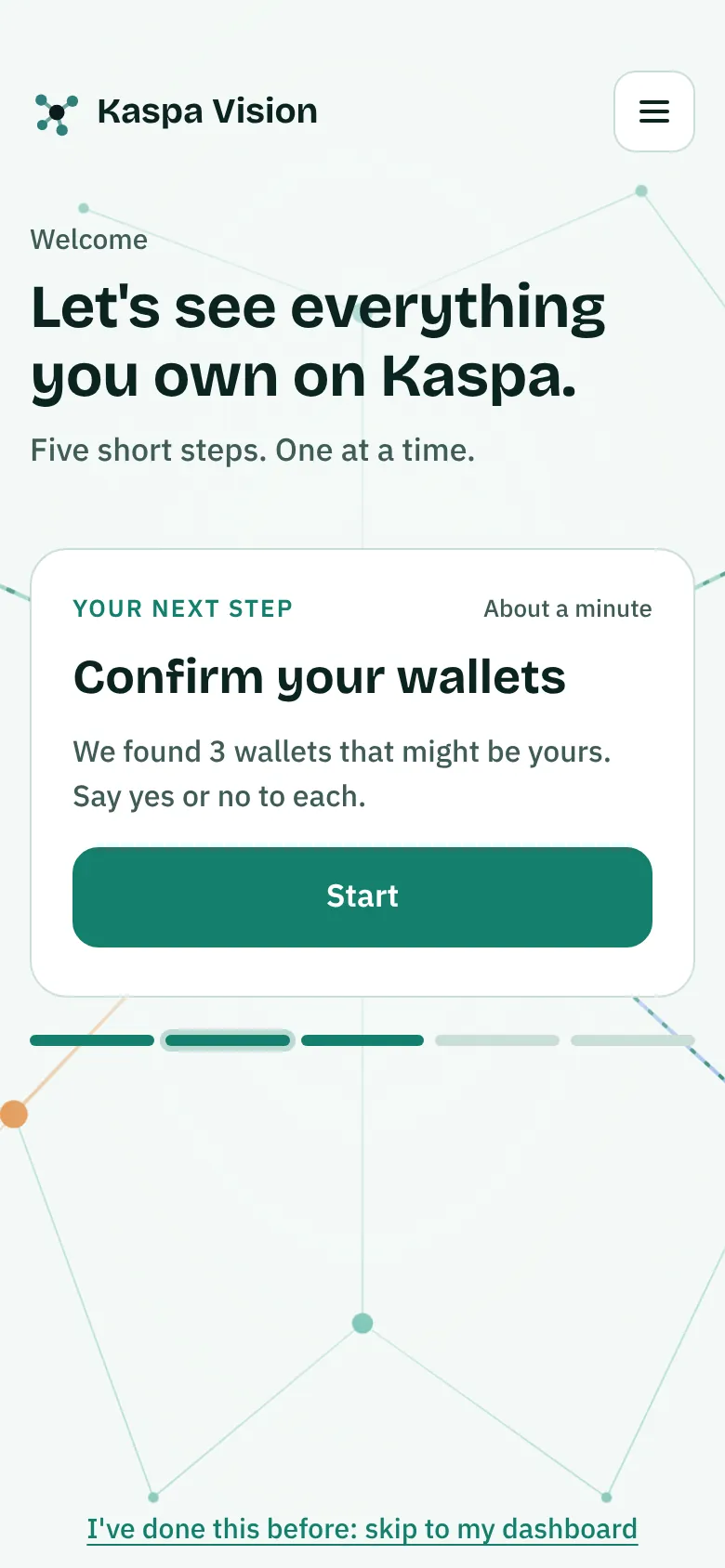
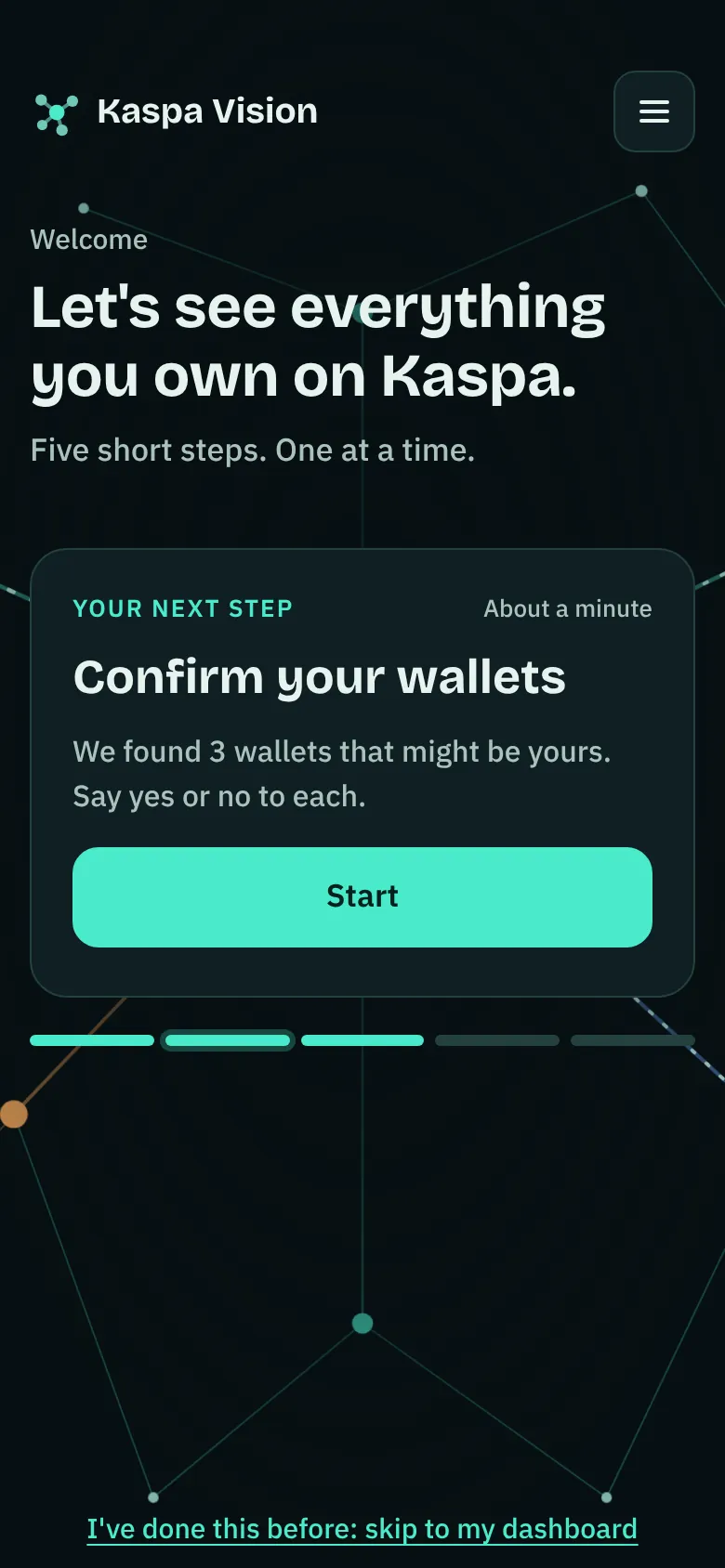
Add it to your home screen
Two taps in your phone's browser. After that, one tap opens it full screen.
You already have the app: this page is open in it.
Point your phone's camera at this code to open kaspa.vision/dashboard/, then add it to your home screen.
Pick your phone:
Install from Chrome
- Tap the three dots at the top right.
- Tap Install app or Add to Home screen.
Kaspa Vision then opens from your home screen, like an app.
Tax reports (KasTax)
Tax reports for Canada, from the same numbers.
Full tax reports are ready for Canada today. Anywhere else, you still see your whole history and your gains in your own currency. KasTax tells you when a year isn't finished and which file is still missing.
KasTax reads your KAS, tokens, NFTs and names straight from the blockchain. You don't type them in.
Where do you file?
Ready
CRA rules: average cost base for identical property, capital gains per year, amounts in CAD at the Bank of Canada rate.
Good to know
Canada plans to have crypto exchanges report their customers' transactions to the CRA, starting with the 2027 calendar year. The first reports are expected in 2028. The bill isn't law yet. Your exchange files and your own wallets are both in Kaspa Vision, so your records are in one place.
- Gains and losses for each year, ready for your tax return or your accountant
- Every number traced back to its transaction
- Reports to download for you or your accountant
Pricing
See it all. Add taxes when you need them.
- You pay once. It only renews if you choose to prepay ahead.
- You pay in KAS, the Kaspa coin, on KasPass, our payment site. Prices are set in Canadian dollars, so the KAS amount follows today's rate.
What you need to start
- An Android phone or a computeriPhone needs a computer once, to sign in.
- The free Kaspire walletThe app on Android, or the extension for Chrome on a computer.
- Some KAS in KaspireOnly for a plan. The demo and a free account cost nothing.
Free
See what you hold today. No KAS needed, nothing to pay.
What you see
- 2 wallets
- KAS, tokens, NFTs and names
- What it's worth today, in your currency
- A chart of the last month
Also free
- An NFT wall: 1 board, up to 12 NFTs, 1 shared link
- 2 themes
- Updates by itself every 12 hours
Kaspa Vision, 1 month
Your dashboard for 30 days. No tax reports.
KAS a month
Set at CA$10 a month, so the KAS amount follows today's rate
CA$10 a month
about in your currency
paid in KAS at the day's price
- All your wallets in one place
- KAS, tokens, NFTs and names
- Profit and loss in your currency
- Exchange files and daily updates
- Move to yearly any time: the days you have left come off the price
Kaspa Vision, 1 year
The same dashboard for 12 months. No tax reports.
Save 17% vs monthly
KAS a year
Set at CA$100 a year, so the KAS amount follows today's rate
CA$100 a year
about in your currency
paid in KAS at the day's price
- Everything in the monthly plan
- Two months free compared with paying monthly
Kaspa Vision + tax reports, 1 year
The dashboard for 12 months, plus KasTax: your tax reports.
Early price until Dec 31, 2026
KAS a year
Set at CA$200 CA$300 a year, so the KAS amount follows today's rate
CA$200 a year CA$300
about in your currency
paid in KAS at the day's price
CA$200 if you buy by December 31, 2026. After that, CA$300 a year. Reports you have paid for stay yours to download, even after your membership ends.
- Everything in the yearly plan
- Tax reports for 2026 and every year before
- Built for Canada: CRA method, Canadian dollars
- What you paid, and your gains and losses for each year
- Reports for you or your accountant
- Tells you if a file is missing
Outside Canada? Choose a plan without tax reports for now.
You pay on KasPass, our own payment site.
Your plan opens on pass.kaspa.vision, where you sign in with Kaspire and approve the payment. It's part of kaspa.vision, so check that address before you approve. No card, no account, and we never ask for your seed phrase.
Adding tax reports later? The time you have left on Kaspa Vision comes off the price. Already a member? Sign in
Questions
Safety and your data
Can Kaspa Vision move my coins?
No. You only add public wallet addresses, and Kaspa Vision just reads the blockchain. It can never move your coins.
Will you ever ask for my seed phrase or private key?
Never. Anyone who asks you for one is a scammer, even if they use our name.
What do you store about me?
Only the public addresses you add, your settings and your labels, to run your account. No names, emails or passwords, and nothing is sold or shared for ads. Servers use encrypted disks, and you can delete your account and data any time.
Signing in and paying
What happens when I sign in?
Kaspire asks you to approve the sign-in. It proves the wallet is yours. It is free, nothing is sent, and there is no password to remember.
Do I need KAS to sign in?
No. You can sign in with a brand new, empty Kaspire wallet.
How do I pay for a plan?
In KAS, on KasPass, our payment site. You choose a plan here, it opens on pass.kaspa.vision, you sign in with Kaspire there, and you approve the amount. Your membership is tied to your own wallet, so there is no card and no account to create.
Why does paying happen on a different page?
Payments and memberships are handled by KasPass, Kaspa Vision's own payment site, so this site never touches your KAS. Its address, pass.kaspa.vision, is part of kaspa.vision. If a page asking you to pay for Kaspa Vision shows any other address, don't approve it.
Someone gifted me a plan. Do I need KAS?
No. A gifted plan needs no KAS at all to receive.
Will it charge me again by itself?
No. This isn't a subscription. You pay once, for 30 days or a year, and it simply ends.
Want it to keep going? You can pay ahead for more months on KasPass. That KAS is set aside for your membership, and nobody else can take it out, not Kaspa Vision and not KasPass.
Each month is charged at that day's price. If the price of KAS drops and what is left doesn't cover the next month, nothing is taken: we tell you, and you can add more or let it end.
Cancel any time and the unused KAS comes back to your wallet.
What happens when my membership ends?
Your dashboard goes back to the free view until you renew: 2 wallets and what they're worth today. Nothing is deleted: your wallets, exchange files and answers are kept. Tax years you paid for can still be downloaded.
Is anything free?
Yes. The demo is free, and so is a free account: sign in with Kaspire and see 2 wallets, what you hold today and what it's worth, a chart of the last month, two themes and an NFT wall with one board. Plans add your history, profit, more wallets and tax reports.
Using it
Can I try it without a wallet?
Yes. The free demo above needs no wallet.
Which wallets work?
You can add any Kaspa address: Kaspire, Kasware, Kastle, Tangem, Ledger and more. To sign in you need the Kaspire wallet.
Which countries does KasTax cover?
Canada is fully set up today. Other countries are in progress. Until then you see your full history and gains in your own currency, but no tax reports.
What's still being built?
A few apps we don't trace yet:
- Lending on Kaskad. Deposits can show as swaps, and interest isn't counted yet.
- Swaps on newer apps like KForge. We may not see what you traded.
- Shared pools (KCC) for tokens or NFTs, where your coins are mixed with other people's.
- NFTs bought and sold on Igra and Kasplex. No gain or loss yet.
- Creators who launched their own NFT collection or token. Money earned from the launch isn't counted yet.
Balances are read straight from the chain, so they're right; how some things got there isn't traced yet. if you see one.
More questions? Ask us on Telegram.
Stop guessing. Start seeing.
Add your wallets and see your own portfolio. There is no account to create: your wallet is your sign-in.